

Manual website creation eats hours you could spend landing new clients. Freelancers and agencies waste days on repetitive design tasks, delaying income and frustrating prospects. AI automation slashes build times by over 70%, letting you onboard clients faster. This guide walks you through prerequisites, core workflows, automation integration, troubleshooting, and measurable outcomes to transform your website creation process.
Prerequisites: tools and knowledge before you start
Understanding client business goals and target audiences before drafting a single wireframe saves weeks of revisions. Ask what success looks like, who the ideal customer is, and what actions the site must drive. Solid preplanning aligns design decisions with measurable outcomes and keeps scope creep at bay.
Mobile-first responsive design and optimized Core Web Vitals are mandatory for effective SEO and conversion rates across industries in 2026. Google prioritizes mobile experience in rankings, and users abandon slow sites within seconds. Design for small screens first, then scale up for tablets and desktops.
Choose website builder platforms with features tailored for agencies, such as white-labeling, client collaboration portals, and easy handoff workflows. Popular options include Wix Studio and Duda, both offering templates, hosting, and integrations that reduce overhead. Avoid generic DIY builders that lack the advanced customization and branding control your web design clients in 2026 expect.
Core steps of the website creation process
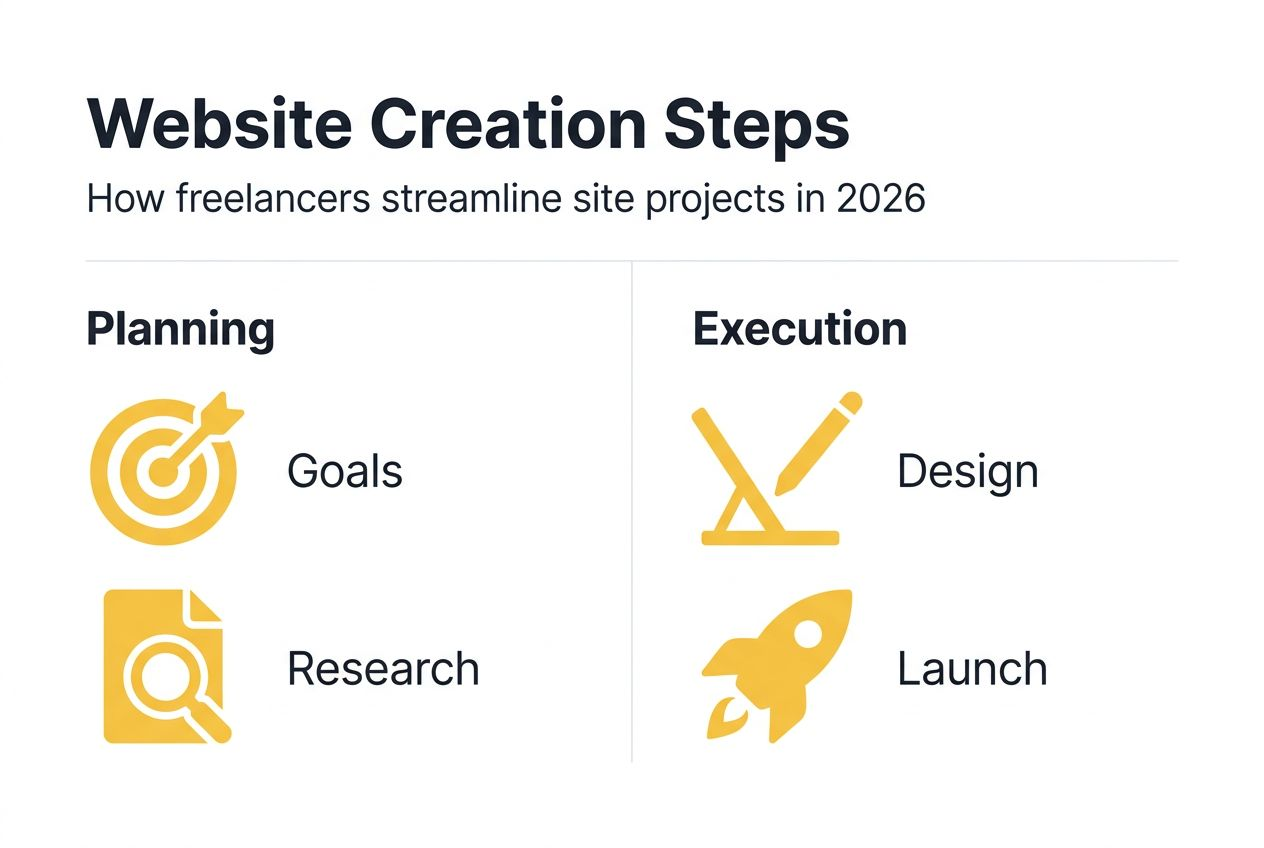
Define project goals, success metrics, and user personas upfront. What does the client want visitors to do: buy, book, subscribe, or call? Pinpoint two or three key performance indicators like conversion rate or bounce rate. Build personas describing demographics, pain points, and browsing habits to guide layout and messaging.
Conduct market and competitor research to guide design choices. Review five to ten competitor sites in the client’s niche. Note which layouts feel intuitive, which calls to action stand out, and where you see opportunities to differentiate. Use tools like SimilarWeb or SEMrush to analyze traffic sources and top pages.
A structured 7-step website development process improves project clarity, reduces rework, and accelerates delivery with clear stakeholder alignment. Document each phase: discovery, planning, design, development, testing, launch, and maintenance. Assign deadlines and deliverables to keep everyone accountable and avoid last-minute surprises.

Using AI-assisted tools reduces marginal design costs by automating repetitive design tasks, enabling faster prototyping and consistent brand application. Feed the AI your brand guidelines, industry keywords, and sample layouts. It generates wireframes, color palettes, and even placeholder copy in minutes. You review, refine, and iterate without starting from scratch.
Automation tools and lead generation integration
Leverage Google Places API and other data sources for automated local lead identification. Scan entire zip codes or cities to find businesses missing websites or with outdated online presences. Filter by industry, review count, or revenue estimates to build targeted prospect lists without manual research.
Pro Tip
Use AI to auto-generate industry-specific responsive website templates. Input a business name, address, and category, and the AI pulls relevant imagery, writes placeholder copy, and applies a color scheme matching the sector. You get a polished starting point in minutes instead of hours.
Choosing the right website builder platform that offers dedicated agency tools, white-label capabilities, and client management features reduces overhead and improves tight workflow integration. Wix Studio lets you rebrand the builder interface and share client portals. Duda provides team permissions, feedback tools, and one-click site duplication for faster project starts.
Lead management and outreach automation
Use automated lead scoring to prioritize hottest prospects and improve conversion. Assign numerical values to actions like email opens, link clicks, form fills, or phone calls. Leads crossing a threshold score get flagged for immediate personal outreach. This focuses your time on prospects ready to buy instead of cold contacts.
Automated lead scoring improves conversion by up to 25%; AI-generated outreach messages increase response rates by 15 to 30%. Personalized templates calibrated per industry speak directly to pain points, making your pitch feel custom even when automated. Test subject lines, opening hooks, and call-to-action phrasing to refine performance over time.
Common mistakes and troubleshooting
Unclear project scope causes 40% more rework and delays. Fix this with detailed briefs covering goals, pages, features, integrations, and timeline. Have the client sign off on the brief before design starts. Revisit it whenever new requests arise to evaluate whether they fit the original scope or require a change order.
Expected timelines and measurable outcomes
Small business sites typically launch in 4 to 12 weeks depending on complexity. A five-page brochure site with a contact form takes the shorter end. An e-commerce site with custom integrations, payment gateways, and inventory management stretches toward 12 weeks or more.
Discover AI-powered tools to automate via Thyonix
You’ve learned the prerequisites, workflows, and pitfalls. Now it’s time to implement these strategies with tools built for speed and scale. Thyonix combines AI-assisted website creation with automated lead generation in one platform designed for freelancers and small agencies.
Frequently Asked Questions
Ready to implement these strategies?
Start finding high-quality leads for your web design business today with Thyonix's AI-powered tools.